

A Qwilr alternative your buyers — and your CFO — will love
Looking for a Qwilr alternative for Salesforce? Qwilr made web-style proposals popular. SalesSign brings that polish to teams who also need pixel-perfect PDFs, Salesforce sync and a serious eSignature workflow.
Web-style proposals without a true PDF + Salesforce story.
Why teams choose SalesSign over Qwilr.
Pixel-perfect PDF output
Qwilr proposals are web-only. SalesSign renders the same proposal as a beautifully laid-out PDF for procurement and contract archives.
Salesforce-native, not Zapier-native
Skip the connector chains. SalesSign embeds inside the Opportunity record and writes back signed PDFs automatically.
Real eSignature routing
Sequential or parallel signing, granular field types and a tamper-evident audit trail — built in, not bolted on.
SalesSign vs Qwilr: side by side.
A direct look at the capabilities that matter most to revenue teams.
Comparison reflects SalesSign’s reading of publicly available information at the time of writing. Always check the latest with the vendor.
A closer look at the Qwilr alternative for Salesforce.
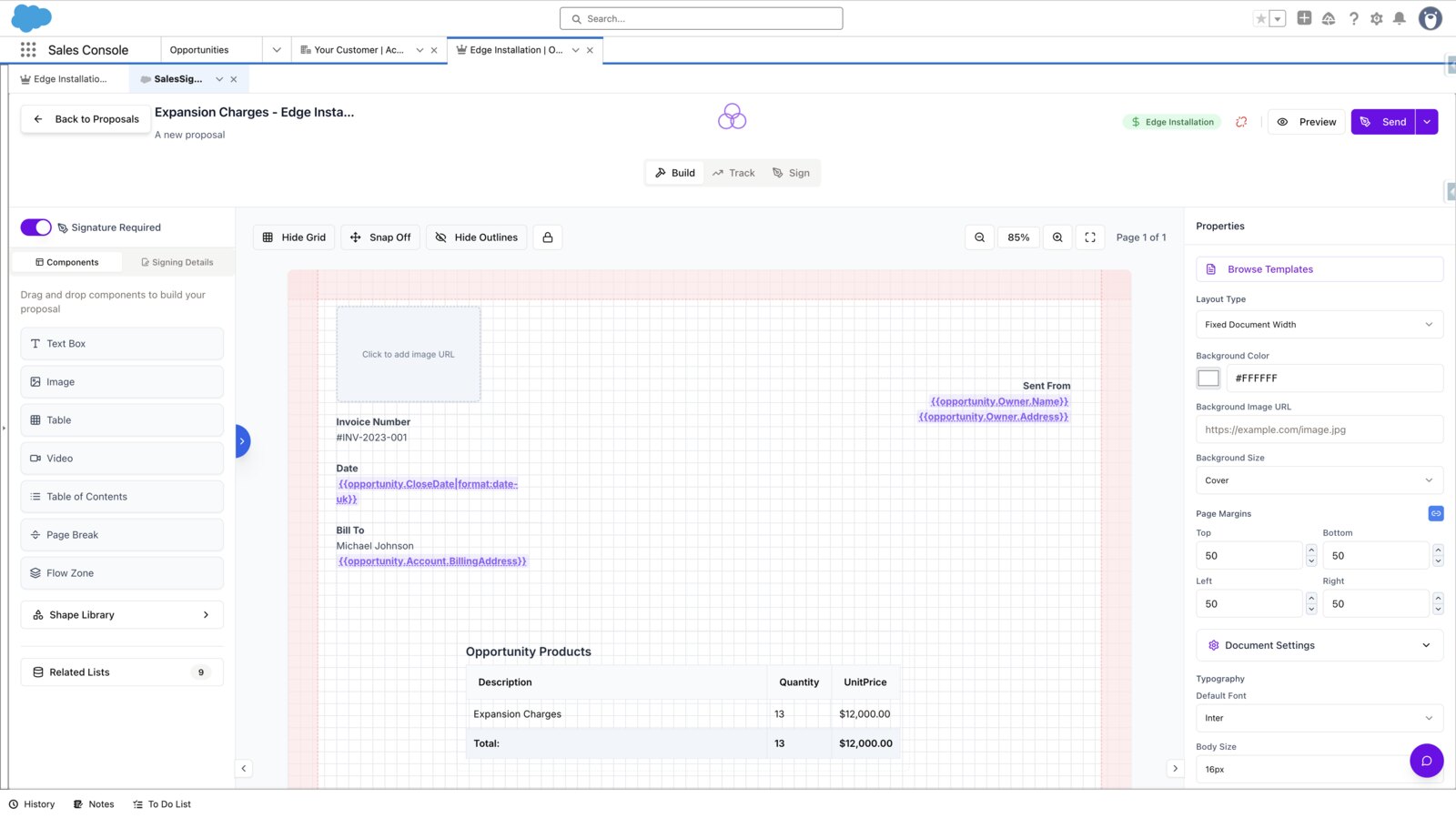
Web polish, PDF reality
Every SalesSign proposal renders as both an interactive web experience and a pixel-perfect PDF — so legal, procurement and your archives all stay happy.
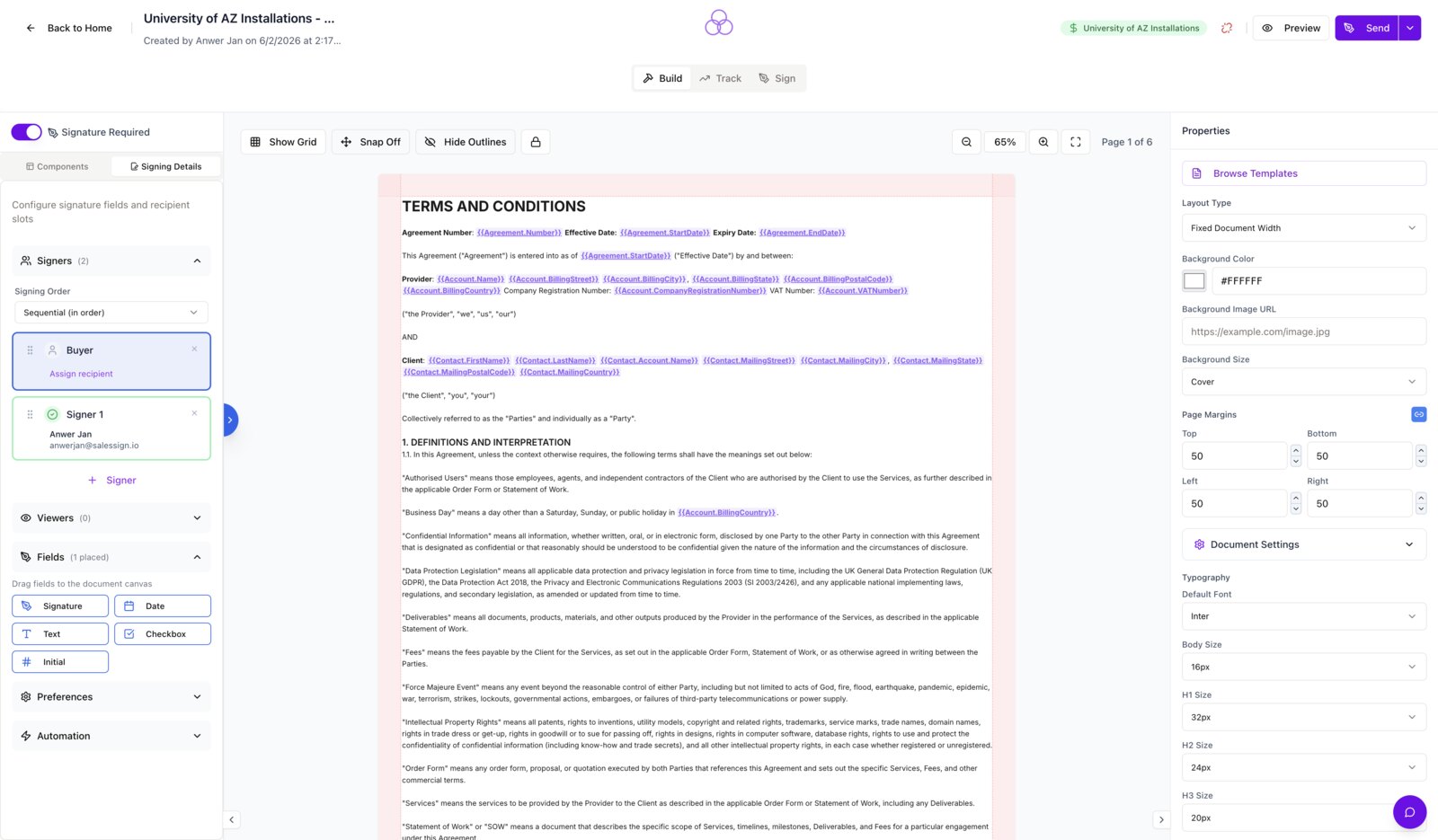
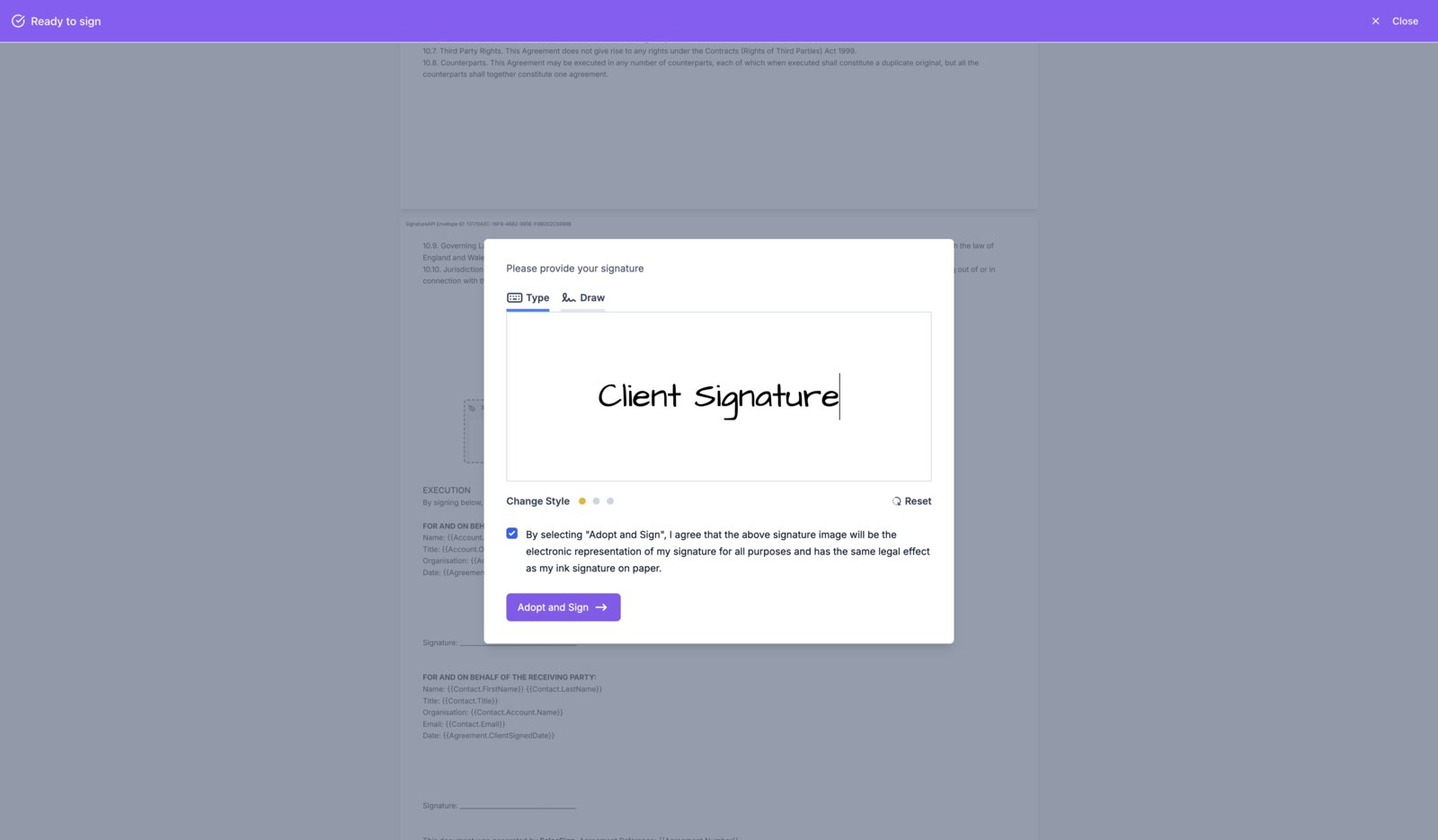
Signatures built for sales teams
Multiple signers, mixed roles (signer, approver, viewer) and automatic reminders are all standard — no upgrade required.
Native Salesforce, no middleware
Pull data from any object and push signed contracts straight back to the Opportunity. Your AEs never leave Salesforce.
Frequently asked questions.
Can SalesSign create the same web-style proposals as Qwilr?
Yes — SalesSign supports interactive layouts, embedded video, pricing blocks and rich content with the added benefit of a matching PDF render.
How does pricing compare to Qwilr?
SalesSign is priced per user with eSignatures and analytics included. Qwilr typically charges extra for advanced eSignatures and analytics tiers.
Is the proposal mobile-friendly?
Yes. Recipients can view and sign on any device with a responsive viewport and pinch-to-zoom.
Does SalesSign integrate with our CRM?
Out of the box with Salesforce, and via API for other CRMs.
Ready to switch from Qwilr?
Book a 20-minute live demo on a use case that matches how your team sells today. Native, embedded, end-to-end.